Preview is lower quality. The download is the full 1080×1920 file.
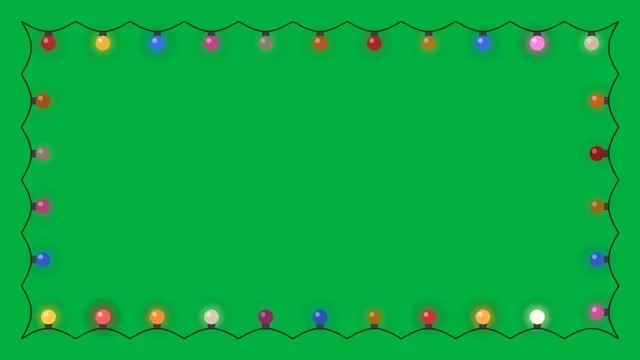
Christmas Lights Frame Green Screen (Vertical 9:16)
Vertical version for TikTok, Reels and Shorts: a string of colorful bulbs around the edges that chase and twinkle. Pure chroma green (#00B140) for easy removal in CapCut, Canva, Premiere or DaVinci Resolve. 8-second seamless loop, 1080x1920, 30 fps. Motion graphic by Telar Labs.
Good for
Frame vertical videos for Christmas on TikTok, Reels and Shorts.
How to use this green screen clip
CapCut (phone or desktop)
Add your main video first. Tap Overlay → Add overlay and choose this clip. Select it, tap Remove BG → Chroma key, pick the green, then raise Intensity until the green disappears and Shadow to clean the edges.
Canva
Place your background or video, then add this clip on top. Select it and choose Edit → BG Remover (Canva Pro). For a free option, use CapCut instead.
Premiere Pro / DaVinci Resolve
Put the clip on the track above your footage. In Premiere use Ultra Key and pick the green; in Resolve use the 3D Keyer or Delta Keyer.
More tips in our how-to-use guide.